
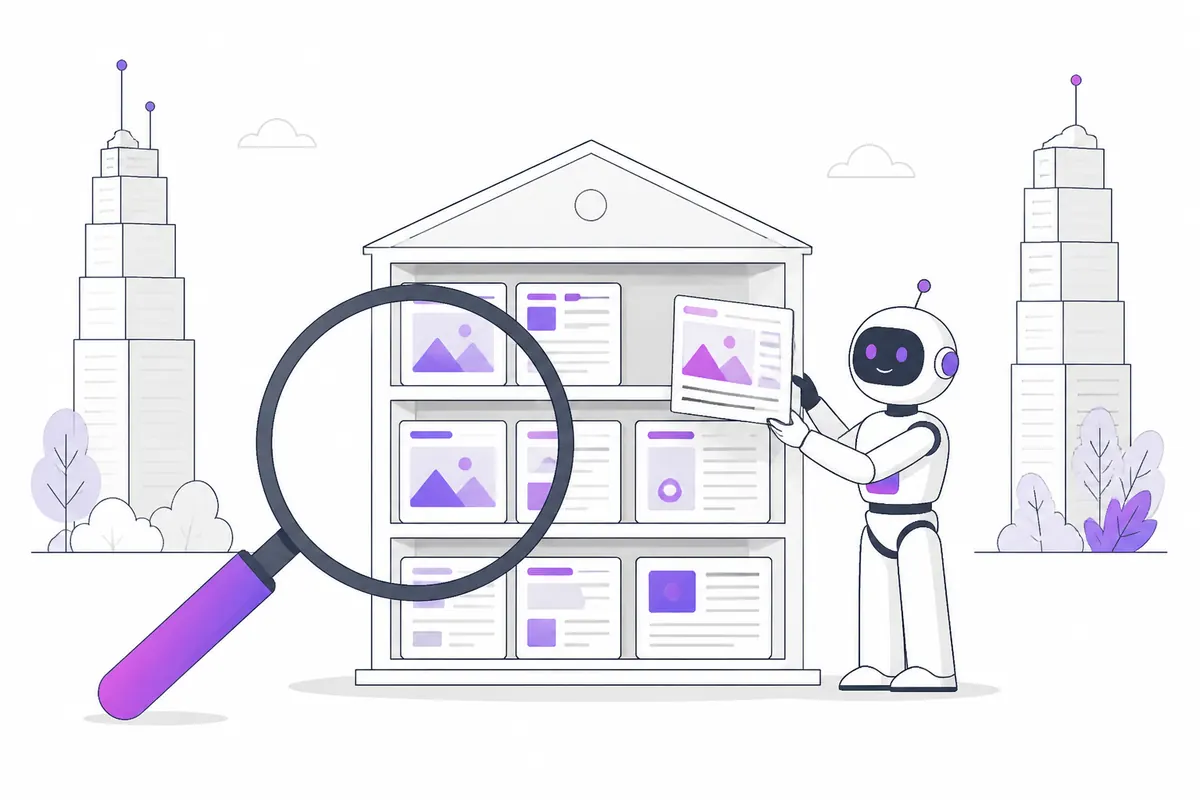
Brave Search is one of the few search engines with its own web index. It doesn’t rent results from Google or Bing; it crawls and ranks pages itself. That matters more than its size suggests, because the same index is sold to other companies through the Brave Search API, and AI assistants use it to look things up (see why Brave matters for AI assistants).
The good news: there’s no separate “Brave SEO”. If your site is easy for Google to crawl and genuinely useful, you’ve done most of the work. A few details are different, and they’re worth knowing.
How pages get into Brave’s index
Brave finds pages in two ways:
- Its crawler. Brave crawls the web, but it doesn’t use its own bot name. It follows the same access rules you set for Googlebot: if Googlebot can’t crawl a page, Brave won’t either. The Brave crawler guide explains what that means for your robots.txt.
- The Web Discovery Project. Brave browser users can opt in to share, anonymously, which public pages they visit. Pages that enough different people visit are suggested for the index. Private pages, pages behind a login and pages marked noindex are left out.
So a page that nobody links to and nobody visits can take a long time to appear. Links from other sites, and real visitors, both help Brave find you.
There is no “Brave Webmaster Tools”
Unlike Google Search Console or Bing Webmaster Tools, Brave has no dashboard for site owners. You can’t verify your site, see crawl errors or upload a sitemap there.
What Brave does offer is a submit-URL form in its help pages. Use it to ask Brave to fetch a page again after you change it, or to tell Brave a page no longer exists. It’s for single pages, not for whole sites.
What helps you rank on Brave
Brave hasn’t published its ranking factors, so treat this as good practice rather than a secret formula. These basics carry over from every search engine:
- Let Googlebot in. Because Brave follows Googlebot’s rules, a wrong
Disallowfor Googlebot hides you from Brave too. Check your file with our robots.txt mistakes guide. - Clear titles and descriptions. Brave shows them in its results just like Google. See title tags and meta descriptions.
- One URL per page. Use canonical tags so Brave doesn’t split your page across copies.
- Real answers early. Brave’s AI answers draw on top-ranking pages; a page that answers the question in its first paragraph is easy to quote. More in Brave’s AI answers.
- Earn links and visits. Both feed discovery, through the crawler and the Web Discovery Project.
How to check if you’re in Brave
Search Brave for your brand name, or for an exact sentence from your page in quotes. If a page is missing:
- Make sure it’s crawlable by Googlebot and doesn’t carry
noindex. - Make sure other pages link to it, including your own home page or menu.
- Submit the URL through Brave’s form, then give it a few weeks.
How to keep a page out of Brave
Brave doesn’t use robots.txt to decide what is indexed. To remove a page, add a noindex tag:
<meta name="robots" content="noindex">Brave has to fetch the page again to see the tag, so it can take a while. You can speed it up with the submit-URL form.
Measuring visitors from Brave
People who click through from Brave Search arrive with a referrer from search.brave.com. But many of them use the Brave browser, which blocks most analytics scripts, so your analytics may show fewer of them than really came. Our guide on Brave visitors and analytics explains how to count them properly.
Check your own website
See which AI bots really visit your site — real or fake, page by page — and how many people AI assistants send you. Free.