
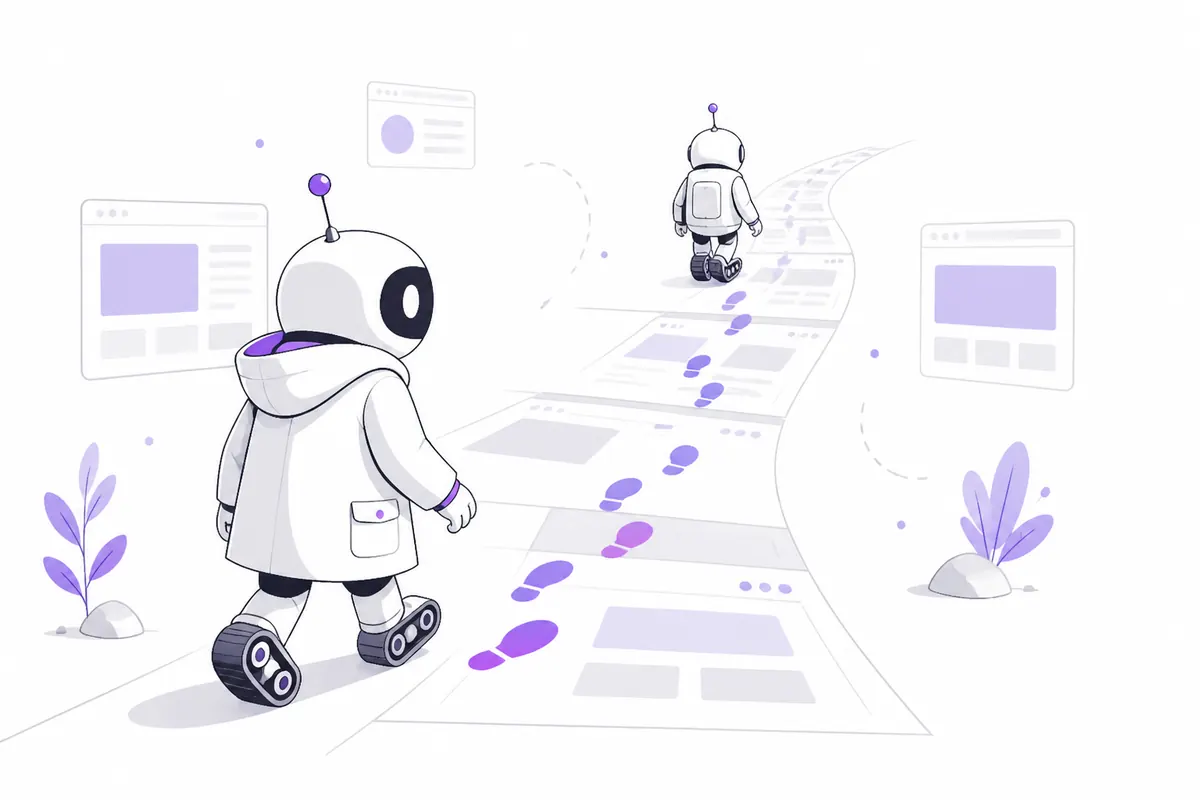
Most search engines crawl with a bot that says who it is, such as Googlebot or bingbot, so you can allow or block it by name. Brave Search is different. According to Brave’s own help pages, its crawler doesn’t use a separate user agent, and it follows the rules you set for Googlebot.
Brave’s reason: many sites only let Google crawl them. A crawler that announced itself as “Brave” would simply be shut out of those sites.
What this means in practice
- If Googlebot is allowed, Brave is allowed. You don’t need to add anything for Brave.
- If you block Googlebot, you block Brave too. A
Disallowfor Googlebot also keeps Brave out of those pages. - You can’t block Brave on its own in robots.txt, because it has no name of its own to match.
- You can’t spot Brave in your logs by user agent. Its visits look like an ordinary browser, so they blend in with normal traffic.
Here’s a robots.txt where the rule for Googlebot also applies to Brave:
User-agent: Googlebot
Disallow: /private/

User-agent: *
Disallow: /admin/
Brave won’t crawl /private/, because Googlebot isn’t allowed to.
What about “Bravebot”?
Some bot lists online show a Bravebot user agent and suggest rules such as User-agent: Bravebot. Brave’s own documentation doesn’t mention it and says the crawler doesn’t use its own user agent. A rule for “Bravebot” may do nothing at all.
Be careful with the reverse too. A visit that calls itself Bravebot isn’t proof that it came from Brave. Anyone can type any name into a user agent, which is exactly how fake bots get through. If a bot claims to be someone famous, check whether it’s real before you trust it.
robots.txt doesn’t control indexing
Brave says plainly that robots.txt is not used to keep a page out of its index. Blocking a page stops Brave from crawling it, but the URL can still turn up, for example because other sites link to it.
To keep a page out of Brave’s results, let it be crawled and add a noindex tag:
<meta name="robots" content="noindex">or the HTTP header:
X-Robots-Tag: noindexDon’t block the page in robots.txt at the same time. If Brave can’t fetch the page, it can’t see the noindex. (Google works the same way; see robots.txt mistakes.)
Getting a page refreshed or removed
Brave has no webmaster dashboard, but its help pages offer:
- a submit-URL form to ask Brave to fetch a changed page again, or to report a page that no longer exists;
- a separate process for removing pages that contain personal information about you.
After you add or remove a noindex tag, Brave has to fetch the page again before anything changes.
The Web Discovery Project
Brave’s index is also fed by the Web Discovery Project: Brave browser users who opt in share, anonymously, which public pages they visit. It skips pages behind a login, private links and pages marked noindex. You don’t need to do anything for it, but it’s one more reason a page with real visitors gets found sooner.
The short version
| You want to… | Do this |
|---|---|
| Let Brave crawl you | Allow Googlebot |
| Stop Brave crawling a folder | Disallow it for Googlebot (this blocks Google too) |
| Keep a page out of Brave’s results | Add noindex, and don’t block it in robots.txt |
| Get a changed page refreshed | Use Brave’s submit-URL form |
For the bigger picture of ranking on Brave, read Brave Search SEO.
Check your own website
See which AI bots really visit your site — real or fake, page by page — and how many people AI assistants send you. Free.