
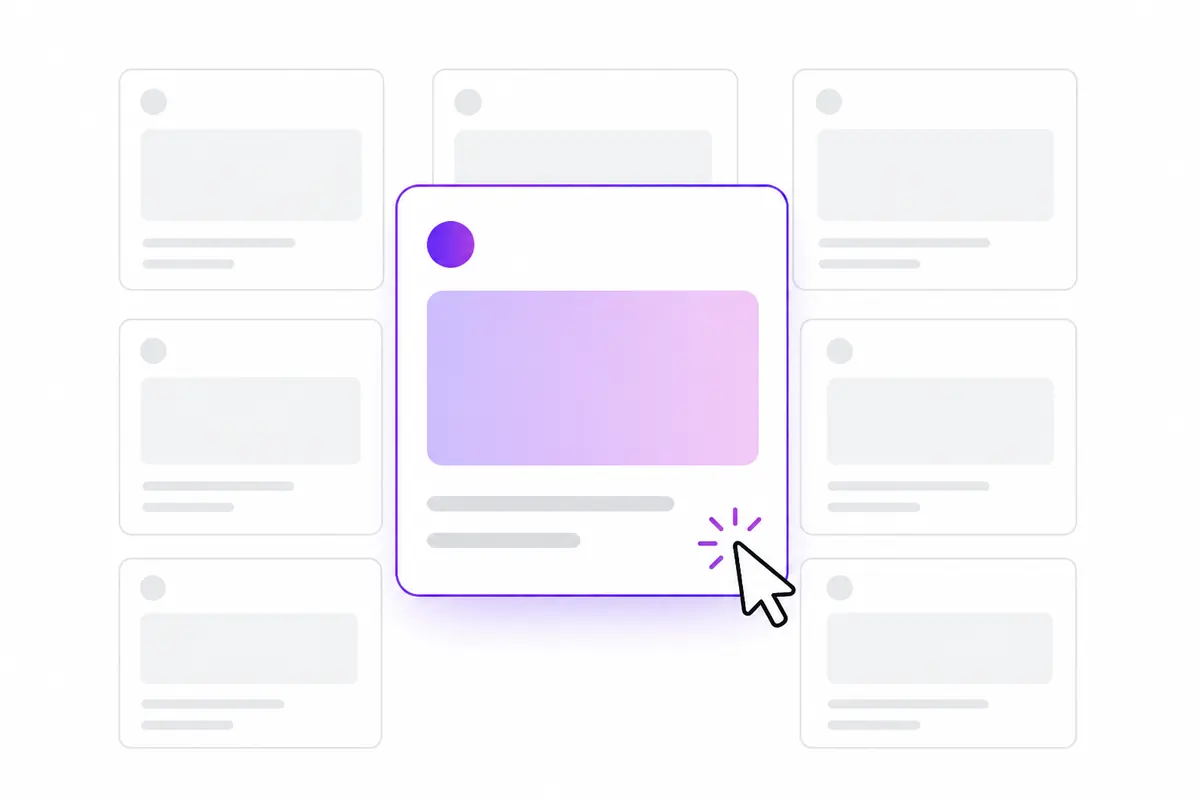
Your title tag and meta description are often the first thing people see of your site in search results. A good title is about 50–60 characters, unique to the page, and puts the main keyword early. A good meta description is around 150–160 characters and tells the searcher what they will get by clicking. Google may rewrite either one, but a clear, accurate version is used more often.
What each one does
The title tag sits in the page’s <head>:
<title>Free Bot Checker: Is That GPTBot Real? | Example</title>It is usually the blue headline in search results and the text in the browser tab. Google uses it as one of many signals for what the page is about.
The meta description sits in the head too:
<meta name="description" content="Paste a user-agent and IP to see if a crawler is real. Checks official IP lists and reverse DNS in seconds. Free, no sign-up.">It is not a ranking factor, but it is often shown as the snippet under the title, so it affects whether people click.
How long should they be?
Google cuts titles and snippets by pixel width, not a fixed character count, and the space differs between desktop and mobile. As a working rule:
| Element | Aim for | Why |
|---|---|---|
| Title tag | about 50–60 characters | Usually shows in full on desktop |
| Meta description | about 150–160 characters | Usually shows without being cut off |
These are guidelines, not limits. A slightly longer title isn’t penalised; the end just gets hidden. So put the important words first.
Why Google rewrites them
Google sometimes shows a different title or snippet from the one you wrote. It tends to do this when the original is:
- too long, or stuffed with keywords;
- the same on many pages (“Home | Example”);
- out of step with the page’s main heading or content;
- not a good match for that particular search.
For descriptions, Google often builds the snippet from page text that better matches the query. That is normal and not a problem. You can’t switch rewriting off, but titles that match your H1 and describe the page honestly are rewritten less often.
How to write a title that gets clicked
- Lead with the main keyword or topic. People scan the first few words.
- Say what the page gives them. A guide, a tool, a price list, a comparison.
- Add one reason to choose you, if it is true: “free”, “2026”, “step by step”, “no sign-up”.
- Put the brand at the end, or leave it off long titles. Google often adds the site name separately.
- Make it unique. Two pages with the same title compete and confuse. See keyword cannibalization.
- Match the page. If the page is a list of tools, don’t promise “the ultimate guide”.
How to write a meta description
- Answer “what will I get if I click?” in one or two sentences.
- Use the words people search with; Google often bolds matching words.
- Include a concrete detail: a number, a feature, a price, a time.
- Avoid repeating the title word for word.
- Write a unique one for each important page. For pages you can’t write by hand, leaving it empty and letting Google pick is better than one copy repeated everywhere.
Before and after examples
A service page
- Before:
Home | Smith Plumbing - After:
Emergency Plumber in Leeds, 24/7 Call-Outs | Smith Plumbing
The new title says what, where and when, and starts with the search people actually make.
A blog post
- Before:
Our Thoughts on Some Things About Sitemaps and SEO in General - After:
XML Sitemaps: What to Put In and What to Leave Out
Shorter, specific, and the topic comes first.
A product page
- Before description:
Welcome to our shop. We sell lots of great products at great prices. Buy now! - After description:
Waterproof walking boots in sizes 3–13. Vibram soles, two-year guarantee and free UK returns within 30 days.
The new one gives facts a shopper uses to decide.
Finding which titles to fix first
Don’t rewrite every title at once. Start where a better click rate pays off most:
- In Google Search Console, open Performance and sort pages by impressions.
- Look for pages with plenty of impressions but a low click-through rate for their position.
- Check which queries those pages show for. Is the main query in the title? Does the title promise what people want?
- Rewrite, note the date, and compare after three or four weeks. Click rates change with season and position, so judge carefully.
Pages ranking just off page one are also good candidates; see striking-distance keywords. OZMAICO’s Site audit flags missing, duplicate and overly long titles across your site, which is a quick way to build the list. For more on Search Console reports, see the Search Console guide.
Checklist
Avoid the usual mistakes: the same title on many pages, keyword lists like Shoes, Cheap Shoes, Buy Shoes, clickbait the page doesn’t deliver, category and tag templates that all share one title, and out-of-date years or prices.
- Every indexable page has a unique title of roughly 50–60 characters.
- The main keyword or topic is near the start.
- The title matches the page’s H1 and content.
- Key pages have a unique, specific description of roughly 150–160 characters.
- You start with high-impression, low-click pages and measure after a few weeks.
Check your own website
See which AI bots really visit your site — real or fake, page by page — and how many people AI assistants send you. Free.