
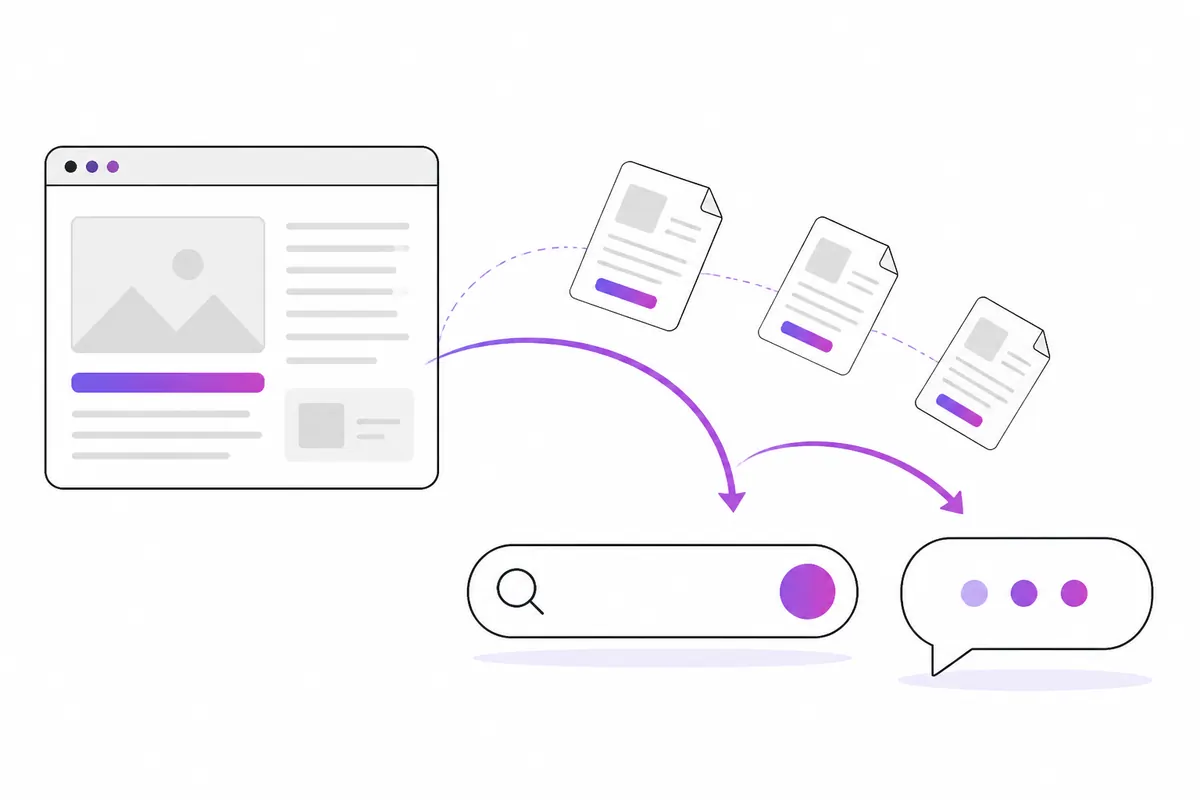
Bing Webmaster Tools is Microsoft’s free equivalent of Google Search Console. It matters more than Bing’s search share suggests, because Bing’s index powers Microsoft Copilot, and Bing has historically been one of the sources behind ChatGPT search and other AI tools. Setting it up takes a few minutes if you import your site from Google Search Console.
Why Bing matters in the AI era
Many site owners skip Bing because most of their search traffic comes from Google. That made some sense a few years ago. It makes less sense now.
- Microsoft Copilot answers questions using Bing’s search results. If a page isn’t in Bing’s index, Copilot is unlikely to cite it.
- ChatGPT search has used Bing among its search sources, alongside OpenAI’s own crawler, OAI-SearchBot. OpenAI doesn’t publish the full details of how results are chosen, and the arrangement may change, so don’t treat Bing as the only route. But being indexed in Bing can only help.
- Other search engines and assistants have licensed Bing results over the years. The exact list changes, so check current documentation rather than relying on old articles.
- Bing Webmaster Tools is also where you manage IndexNow, which tells several search engines about new pages quickly.
If you care about appearing in AI answers, read this alongside the AI SEO basics.
Step 1: add your site
Sign in at Bing Webmaster Tools with a Microsoft, Google or Facebook account. You are offered two ways to add a site.
Import from Google Search Console (fastest)
Choose Import, sign in to the Google account that owns your Search Console properties, and pick the sites to bring over. Bing copies the verified sites and their sitemaps. No file upload or DNS change is needed.
Add manually
Enter your site URL and verify it with one of these:
- An XML file uploaded to your site’s root.
- A meta tag in the
<head>of your home page. - A CNAME record in your DNS.
Keep the file, tag or record in place after verification.
Step 2: submit your sitemap
Open Sitemaps and add the full URL of your XML sitemap, such as https://www.example.com/sitemap.xml. If you imported from Google, it may already be there.
Bing reads the sitemap regularly. Make sure it only lists canonical pages that return 200, and that the lastmod dates are honest. Bing has said it pays attention to lastmod, so a date that changes on every request without real edits is unhelpful. The XML sitemap guide covers the details.
Step 3: tell Bing about new pages
There are two ways to push URLs rather than waiting for a crawl.
- URL Submission: paste URLs into the tool by hand. There is a daily limit, shown on the page, which varies by site.
- IndexNow: an open protocol your site or CMS uses to ping search engines automatically whenever a page is added, updated or deleted. Bing shares IndexNow submissions with the other participating engines. See IndexNow explained.
For most sites, IndexNow is the better long-term option because it runs without you remembering to do it.
The reports worth checking
Search Performance
Clicks, impressions, CTR and average position for Bing searches, by keyword and by page. It works much like Google’s Performance report. Expect smaller numbers, and look at which pages Bing likes compared with Google; they are not always the same.
URL Inspection
Check whether a single URL is indexed, see any crawl or indexing problems, and request a fresh crawl.
Site Explorer
A folder-style view of your site as Bing sees it, with counts of indexed URLs, errors and redirects for each section. Good for spotting a whole folder that has gone missing.
Site Scan
An on-demand crawl of your site that reports common technical SEO problems, such as missing titles, broken links and duplicate descriptions. It is useful as a second opinion.
Backlinks and Keyword Research
A list of sites linking to you, and a keyword tool based on Bing search data. Both are useful context. Treat search volumes as Bing’s volumes, not the whole market.
Robots.txt tester
Check whether a specific URL is allowed for bingbot under your current robots.txt.
Check that bingbot can reach you
Being registered in Bing Webmaster Tools doesn’t help if bingbot is blocked.
- Look in your robots.txt for rules that block
bingbotor*from important folders. - Check your firewall or CDN. Aggressive bot protection sometimes challenges bingbot.
- Make sure the bingbot visits in your logs are real. Microsoft lets you verify bingbot by address, and fakes are common. The free bot checker tells you whether a visit is genuine.
Common mistakes
- Only verifying the www or non-www version. Make sure the version Bing has matches the one your site redirects to.
- Submitting the same URLs every day. Repeated submission of unchanged pages wastes quota and gains nothing.
- Ignoring Bing’s crawl errors. Bing sometimes surfaces problems Google tolerates, such as redirect chains or soft 404s.
- Treating Bing as a copy of Google. Rankings differ. A page doing well in Google may need a better title or clearer content for Bing.
In short
- Set up Bing Webmaster Tools; importing from Google Search Console takes minutes.
- Bing’s index powers Copilot and has fed ChatGPT search, so it matters for AI visibility.
- Submit your sitemap and use IndexNow for new and changed pages.
- Check Search Performance, URL Inspection and Site Explorer regularly.
- Make sure the real bingbot isn’t blocked by robots.txt or your firewall.
Check your own website
See which AI bots really visit your site — real or fake, page by page — and how many people AI assistants send you. Free.