
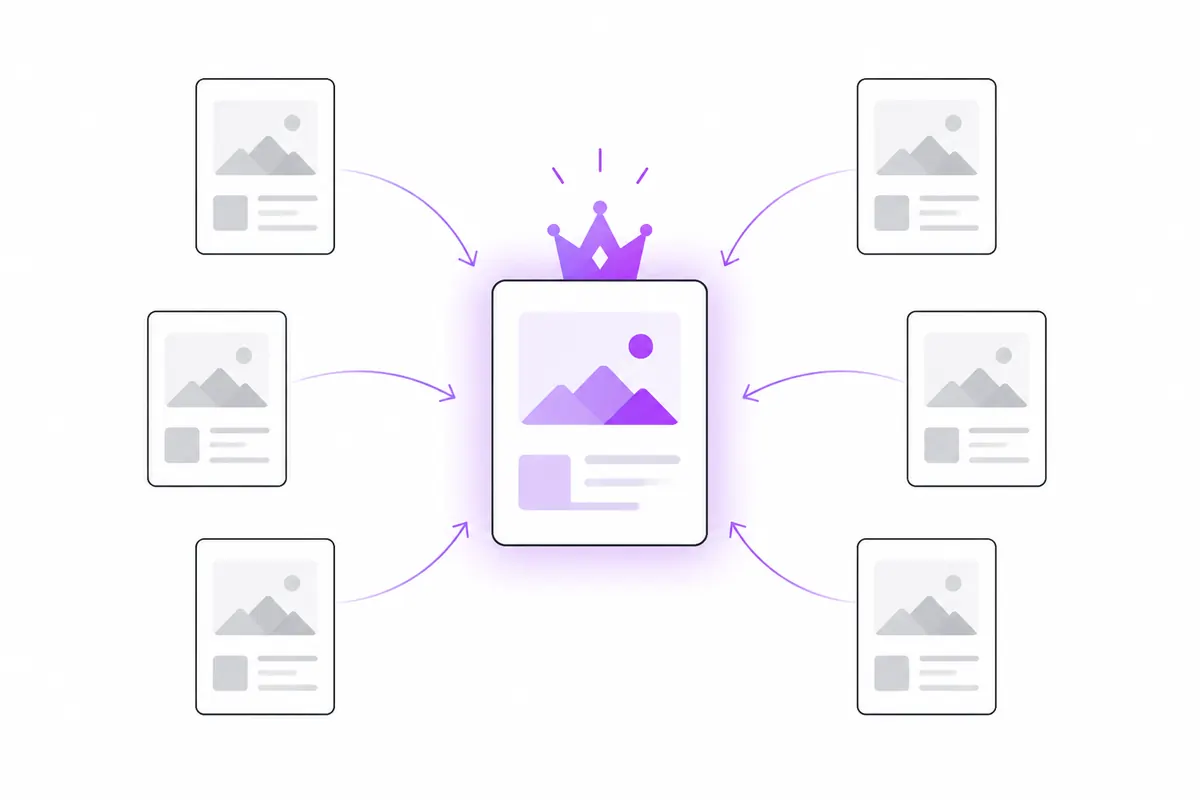
A canonical tag tells search engines which URL is the main version of a page when the same content is reachable at several addresses. It combines the signals from the duplicates into one preferred URL, so they don’t compete with each other. It is a strong hint, not a command, so it works best when the rest of your site agrees with it.
What duplicate pages look like
Most duplicates aren’t copied content. They are the same page at different URLs:
https://www.example.com/shoes
https://example.com/shoes
http://www.example.com/shoes
https://www.example.com/shoes/
https://www.example.com/shoes?utm_source=newsletter
https://www.example.com/shoes?sort=price
To you, that is one page. To a crawler, it can be six. Without guidance, Google picks one itself, and it may not pick the one you link to or the one you want shown.
What rel=canonical does
You add one line inside the page’s <head>:
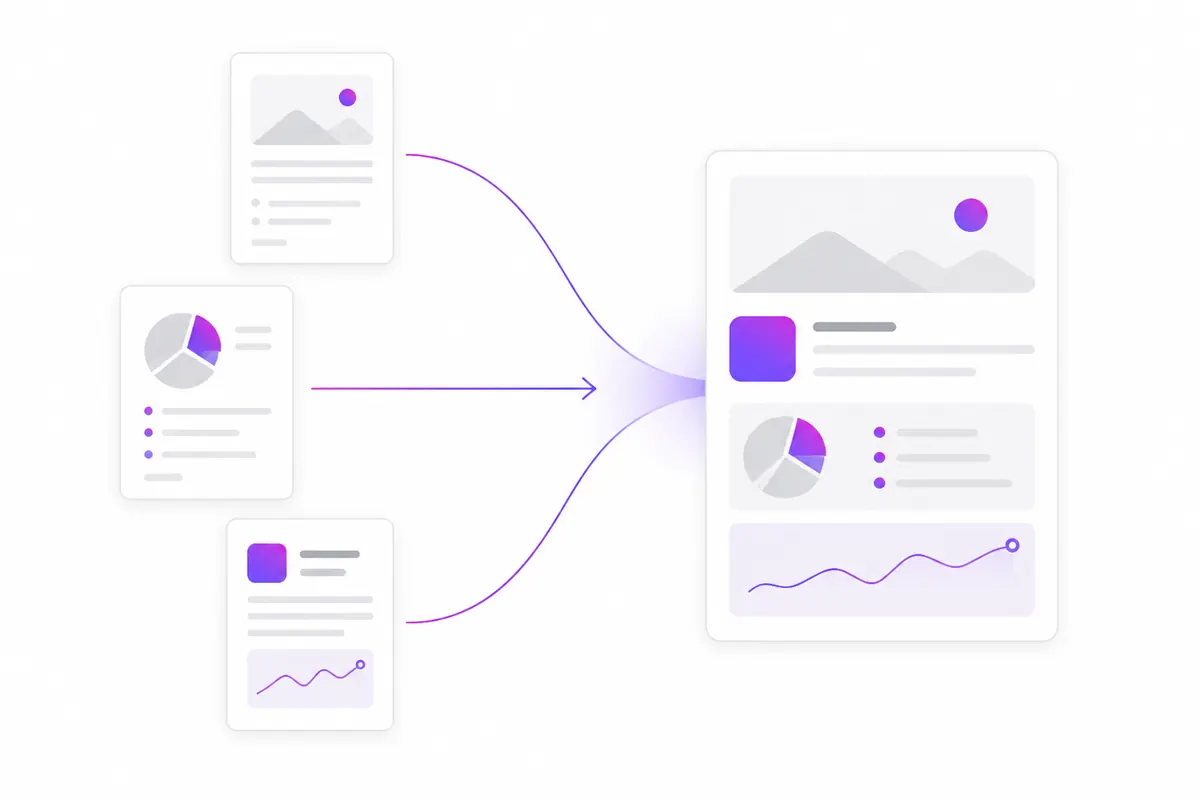
<link rel="canonical" href="https://www.example.com/shoes">This says: “if you find this content at other URLs, treat this one as the main version”. Google and Bing then try to:
- show the canonical URL in search results;
- combine signals such as links into that URL;
- crawl the duplicates less often.
Why it is a hint, not a rule
Google can, and sometimes does, choose a different canonical from the one you declare. It looks at other signals as well, including:
- redirects, which are a stronger signal than a canonical tag;
- internal links (which URL your own pages link to);
- sitemaps (which URL you list);
- HTTPS (preferred over HTTP);
- whether the pages are really the same.
If your canonical says one thing and your links, sitemap and redirects say another, Google may ignore it. To see what Google decided, use URL Inspection in Search Console and compare “User-declared canonical” with “Google-selected canonical”.
Self-referencing canonicals
A page can, and usually should, point to itself:
<!-- on https://www.example.com/pricing -->
<link rel="canonical" href="https://www.example.com/pricing">
This seems pointless, but it helps. When someone links to /pricing?ref=twitter, the tag on that version still points to the clean URL. Most CMSs and SEO plugins add self-referencing canonicals automatically; check that yours does.
Common cases and what to do
Tracking parameters (UTM and friends)
?utm_source=, ?fbclid=, ?gclid= and similar parameters don’t change the content. A self-referencing canonical on the clean URL handles them. Also make sure your own internal links never include them.
Sorting and filtering parameters
?sort=price usually shows the same products in a different order: canonicalise to the unsorted URL. A filter that creates a genuinely different page people search for, such as a category of red shoes, may deserve its own canonical and its own content. Decide case by case.
http vs https, www vs non-www, trailing slash
Pick one version of each and redirect the others with a 301. Then make the canonical tag, internal links and sitemap all use that same version. Canonical tags alone are a weaker fix here than redirects.
Printer, AMP and syndicated copies
A print-friendly version should point to the main page. If another site republishes your article, ask them to add a canonical pointing to your original. Google supports cross-domain canonicals, though it treats them as a hint too.
Common mistakes
- Every page points to the home page. A template bug can give every page the same canonical. Google then ignores the tag or, worse, treats your pages as duplicates of the home page.
- Relative or wrong URLs. Use absolute URLs with the right protocol and host. A canonical pointing to
http://on anhttps://site sends mixed signals. - Pointing to a redirect, a 404 or a noindex page. The canonical target must be a live, indexable page that returns 200.
- Mixing canonical and noindex. A page that says “index that URL instead” and “don’t index me” at the same time is confusing. Use one or the other.
- Page 2 canonicalised to page 1. Paginated pages show different items. Google’s advice is to give each page in a series its own self-referencing canonical.
- More than one canonical tag. Plugins and themes sometimes both add one. If they disagree, Google may ignore both.
- Canonical in the body. It only counts inside
<head>. Scripts that inject elements early can push it out of the head by accident. - Blocking duplicates in robots.txt. If Google can’t crawl a duplicate, it can’t see its canonical tag. See robots.txt mistakes.
How to check your canonicals
- View the page source and search for
rel="canonical". There should be exactly one. - Open the canonical URL. It should return 200 and point to itself.
- In Search Console, use URL Inspection on important pages and check the Google-selected canonical.
- Look at Indexing → Pages for “Duplicate without user-selected canonical” and “Duplicate, Google chose different canonical than user”.
- Make sure your XML sitemap lists only canonical URLs.
OZMAICO’s Site audit checks canonicals across your pages, alongside titles, H1s, broken links and orphan pages, if you want a list rather than checking one page at a time.
Duplicate URLs are a different problem from two separate pages chasing the same search term. For that, see keyword cannibalization.
In short
- Use canonical tags to name the main URL for content reachable at several addresses.
- Add a self-referencing canonical to every indexable page.
- Use 301 redirects for http/https, www and trailing-slash variants.
- Keep links, sitemap, redirects and canonicals pointing to the same URL.
- Point canonicals only at live, indexable, 200 pages.
- Check Google’s chosen canonical in URL Inspection.
Check your own website
See which AI bots really visit your site — real or fake, page by page — and how many people AI assistants send you. Free.