
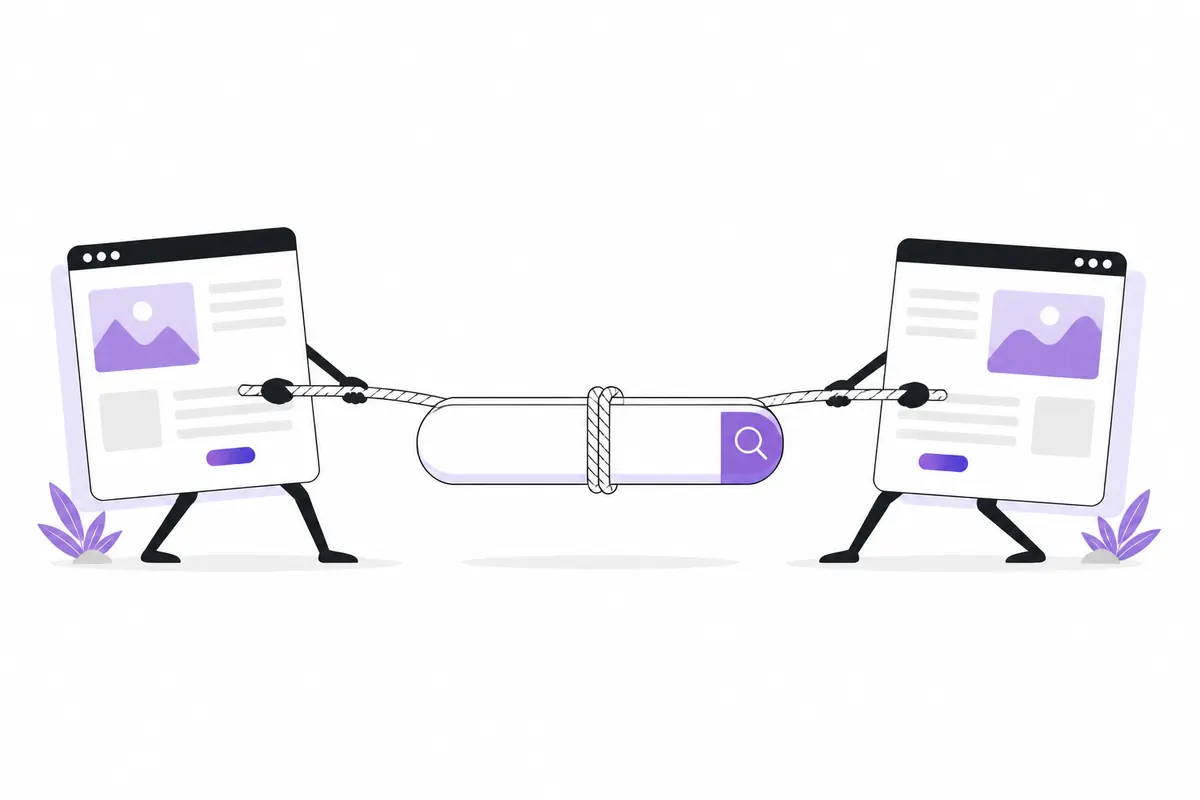
Keyword cannibalization happens when two or more pages on your own site compete for the same search with the same intent. Instead of one strong page, you end up with several weaker ones, and Google keeps swapping between them. The fix is usually to merge, differentiate or clearly signal which page should rank.
What it looks like
Imagine a site with three pages: “Best running shoes”, “Running shoes guide” and “How to choose running shoes”. All three say roughly the same thing. When someone searches “how to choose running shoes”, Google has to pick one, and the choice may change from week to week.
Common symptoms:
- A query’s ranking page keeps changing in Search Console.
- Positions jump up and down for no obvious reason.
- Neither page ranks as well as you’d expect, given the effort put into them.
- Links from other sites are split between two similar pages instead of supporting one.
None of these proves cannibalization on its own. Rankings move for many reasons, so check the data before changing anything.

How to spot it in Search Console
Google Search Console shows you which of your pages appear for each search. In Performance → Search results:
- Set the date range to the last 3 months.
- In the Queries tab, click a query you care about. This adds it as a filter.
- Switch to the Pages tab. You’ll see every page that got impressions for that query.
If one page has nearly all the impressions and clicks, there’s no problem. If two or three pages share them more evenly, look closer. Compare the dates too: set a daily view and see whether the pages take turns.
You can also work from the other direction. Filter by one page, open Queries, and note its main searches. Repeat for a similar page and compare the lists.
OZMAICO’s SEO → Keywords section has a “Pages competing” view that lists searches where more than one of your pages received impressions, which saves doing this query by query. New to the tool? Start with the Search Console guide.
When it’s fine
Not every overlap is a problem. Two pages appearing for the same query is normal when:
- The intent is different. A product page and a how-to guide can both appear for “standing desk”; one serves buyers, the other serves researchers.
- Both pages show at once. Sometimes Google lists two of your pages together. That can mean more space on the results page, not less.
- The query is broad. A short, general search can reasonably match several of your pages.
- The numbers are tiny. A handful of impressions on a second page isn’t worth acting on.
The question to ask is: would a searcher be better served by one page here? If yes, act. If the pages genuinely answer different needs, leave them alone and make the difference clearer.
Fix 1: merge and redirect
When two pages cover the same thing for the same reader, combine them.
- Choose the stronger page: more clicks, more links, the better URL.
- Move anything useful from the weaker page into it. Don’t just paste; rewrite so it reads as one piece.
- 301-redirect the weaker URL to the stronger one.
- Update your internal links so they point straight to the kept page, not through the redirect.
- Remove the old URL from your sitemap.
This is usually the most effective fix, because it concentrates links and relevance on a single page.
Fix 2: differentiate the intent
Sometimes both pages deserve to exist but drifted into the same topic. Give each a clear, separate job.
| Page | Before | After |
|---|---|---|
| /running-shoes | General guide | Buying guide: models and prices |
| /choose-running-shoes | General guide | How to measure fit and gait |
Rewrite titles, H1s and opening paragraphs to match each job. Remove the overlapping sections from one page and link across to the other instead.
Fix 3: canonical tags
If you need two near-identical pages to stay live, for example a printable version or a filtered listing, add a canonical tag on the duplicate pointing to the main page. This tells Google which version you prefer.
A canonical is a hint, not a command. Google may ignore it if the pages are too different or other signals disagree. See canonical tags explained for the details.
Fix 4: internal links
Your own links show Google which page you consider the main one for a topic. If half your articles link to page A with “running shoes” and the other half link to page B with the same words, you’re sending mixed signals.
Pick the main page and point your descriptive anchors at it. Use different wording when linking to the supporting page. More in the internal linking guide.
What not to do
- Don’t delete pages without redirecting them. You lose any links and traffic they had.
- Don’t noindex the weaker page as a first move if merging would serve readers better.
- Don’t over-react to a few days of data. Check at least a few weeks.
In short
- Click a query in Search Console, then check the Pages tab for several of your URLs.
- Act only when the same intent is split across pages with real traffic.
- Merge and 301-redirect when pages say the same thing.
- Differentiate when both pages deserve to exist.
- Use canonicals for necessary duplicates, and align internal links with your main page.
Check your own website
See which AI bots really visit your site — real or fake, page by page — and how many people AI assistants send you. Free.