
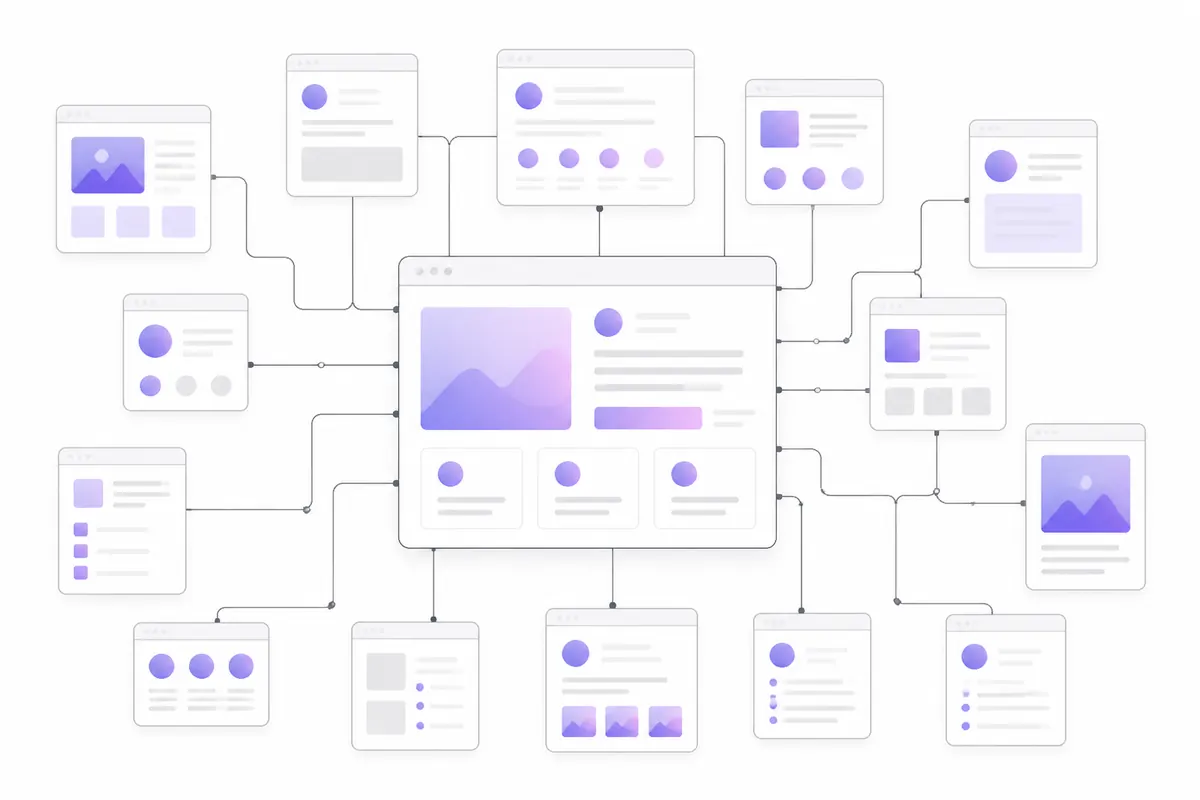
Internal links are links from one page on your site to another. They help visitors move around, and they help search engines and AI crawlers discover your pages and understand which ones matter most. Good internal linking means descriptive anchor text, clear hub pages, and no orphan pages left without a single link.
Why internal links matter
Crawlers find pages mainly by following links. Googlebot, Bingbot and AI crawlers such as GPTBot, ClaudeBot and PerplexityBot all start from pages they know and follow links outwards. A page with no links pointing to it is hard to find, even if it’s listed in your sitemap.
Links also carry meaning. When many of your pages link to one guide using the words “tax return checklist”, that’s a strong hint about what the guide is about and that you consider it important.
And they help people. A reader who finishes one article and sees a relevant next step is more likely to stay, and to find the page you actually want them to reach.
Use descriptive anchor text
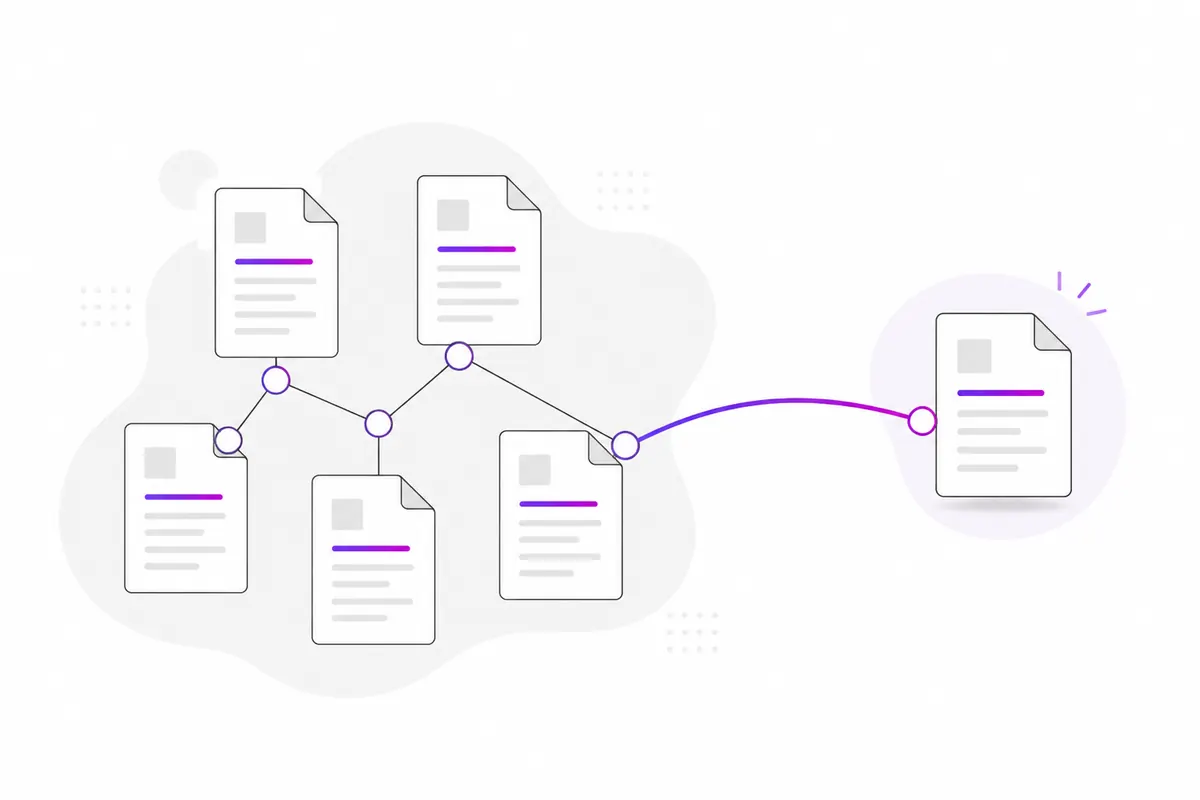
The anchor text is the clickable text of a link. It should tell both readers and crawlers what they’ll find on the other side.
| Weak | Better |
|---|---|
| click here | how to verify an AI crawler |
| read more | our pricing for small teams |
| this article | the complete robots.txt guide |
A few practical rules:
- Describe the destination, in natural words that fit the sentence.
- Vary it a little. You don’t need the exact same phrase every time; close variations read better.
- Keep it short. A few words, not a whole sentence.
- Be consistent about the target. If two pages compete for the same topic, point your main anchors at one of them. See keyword cannibalization.
Build hub pages
A hub page (sometimes called a pillar page) gives an overview of a topic and links out to the detailed pages about it. The detailed pages link back to the hub and, where it helps, to each other.
For example, a hub on “AI crawlers” could link to separate guides on each bot, on verifying them and on blocking them. The OZMAICO guides work like this: the AI crawler list links out to guides on individual bots, which link back.
Hubs make your site easier to crawl, give each topic one obvious starting point, and help a strong page share its authority with the pages around it.
Find and fix orphan pages
An orphan page has no internal links pointing to it. It often happens when:
- a page was removed from the menu during a redesign,
- a campaign landing page was never linked from anywhere,
- a blog post sits deep in old pagination that crawlers rarely reach.
To find them, compare the list of pages you know exist (your sitemap or CMS) with the pages a crawler finds by following links from the home page. Anything in the first list but not the second is an orphan.
For each orphan, decide: is it worth keeping? If yes, link to it from at least one or two relevant pages. If not, redirect it or remove it. OZMAICO’s Site audit flags orphan pages as part of its checks, alongside broken links.
Link from your strongest pages
Not all pages are equal. Your home page, popular guides and pages with links from other websites tend to be crawled more often and carry more weight.
- In Google Search Console, open Links and look at Top linked pages under external links.
- Check Performance for your pages with the most clicks.
- From those pages, add a link to a page you want to push, where it genuinely fits the content.
This is especially useful for pages close to page one. See striking-distance keywords for how to find them.
Use breadcrumbs
Breadcrumbs are the small trail near the top of a page, such as Home › Guides › Internal linking. They:
- show visitors where they are,
- add a consistent link back up to each parent section,
- can appear in Google’s results instead of the raw URL, if you add breadcrumb structured data.
They’re most useful on sites with clear sections, such as shops, documentation and guide libraries.
Don’t overdo it
More links aren’t always better.
- Link where it helps the reader. A link in the middle of a relevant paragraph is worth more than a list of fifty links in the footer.
- Avoid stuffing anchors with the same keyword over and over. It reads badly and looks manipulative.
- Don’t link to redirects or broken pages. Point straight at the final URL.
- Keep navigation sensible. Menus that link to every page on a large site dilute the signal and overwhelm people.
There’s no ideal number of links per page. Ask whether each link would be useful to someone reading that page.
In short
- Use descriptive anchor text that tells readers what’s on the other side.
- Build hub pages that link to detailed pages, and link back.
- Find orphan pages and link to the ones worth keeping.
- Add links to important pages from your strongest pages.
- Use breadcrumbs on sites with clear sections.
- Link for readers first; avoid stuffing and broken links.
Check your own website
See which AI bots really visit your site — real or fake, page by page — and how many people AI assistants send you. Free.