
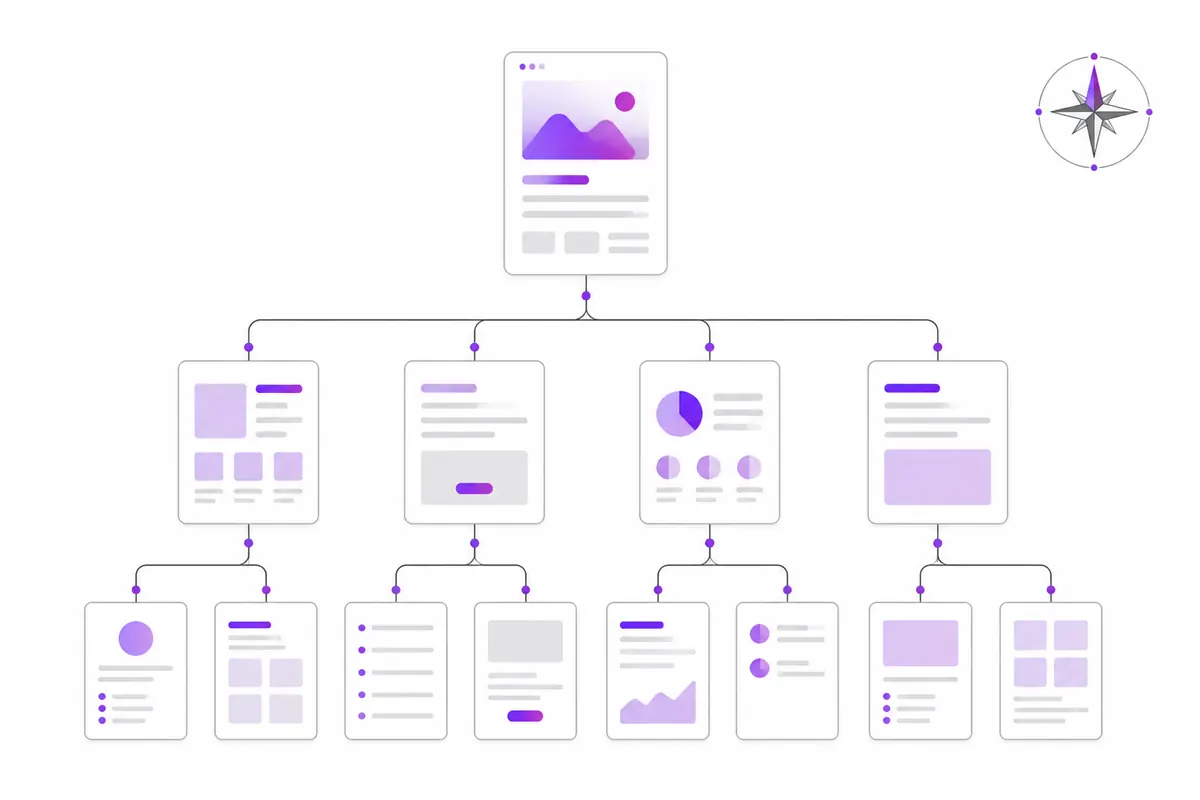
An XML sitemap is a file that lists the pages you want search engines to find. It should contain only your canonical, indexable pages that return a 200 status, each with an honest lastmod date. It doesn’t force anything into Google or Bing, but a clean sitemap helps them find new and changed pages faster and trust what you tell them.
What a sitemap actually does
A sitemap is a list of suggestions, not a command. Google and Bing still decide for themselves what to crawl and what to index. What the sitemap gives them is a reliable list of URLs you care about, plus a hint of when each one last changed.
That matters most for:
- New sites with few links pointing to them yet.
- Large sites, where some pages sit many clicks away from the home page.
- Pages that change often, such as product or news pages.
On a small, well-linked site, crawlers would probably find everything anyway. A sitemap is still worth having, because it costs almost nothing and makes problems easier to spot in Search Console.
What to put in
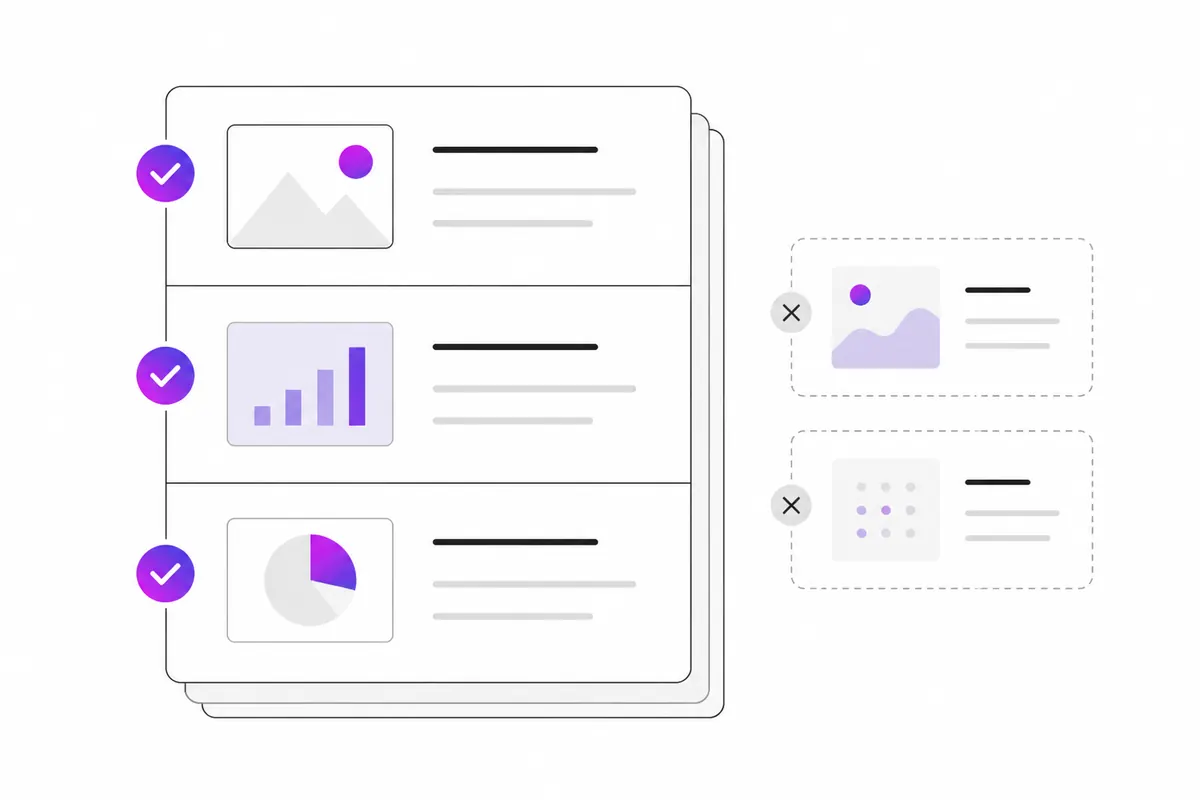
Every URL in your sitemap should pass all four of these tests:
- It returns 200. Not a redirect, not a 404, not a server error.
- It is indexable. No
noindextag, and not blocked in robots.txt. - It is the canonical version. If the page has a canonical tag pointing somewhere else, list that other URL instead. See canonical tags.
- You would be happy to see it in search results. If not, it doesn’t belong in the list.
Use full, absolute URLs with the exact protocol and host your site uses, for example https://www.example.com/pricing, not /pricing or http://example.com/pricing.
What to leave out
These are the common leftovers that make a sitemap less trustworthy:
- Redirected URLs (old addresses,
http://versions, trailing-slash variants). - Pages with
noindex, such as thank-you pages, internal search results and account pages. - Duplicate URLs with tracking or sorting parameters, like
?utm_source=or?sort=price. - Deleted pages that now return 404 or 410.
- Pages blocked in robots.txt.
- Paginated filter combinations and other near-empty pages.
If Search Console reports lots of “Submitted URL” errors, one of these is usually the cause.
lastmod: be honest or leave it out
The lastmod field tells crawlers when a page last changed in a meaningful way. Google has said it uses lastmod when it is consistently accurate, and ignores it on sites where it isn’t. Bing also uses it to decide what to recrawl.
So:
- Do update it when the main content changes: new text, new prices, a corrected answer.
- Don’t set every page to today’s date on each build. That teaches search engines to ignore the field.
- Don’t bump it for a changed footer or copyright year.
The priority and changefreq fields are optional. Google has said it ignores both, so there is no need to spend time on them.
A minimal sitemap looks like this:
<?xml version="1.0" encoding="UTF-8"?>
<urlset xmlns="http://www.sitemaps.org/schemas/sitemap/0.9">
  <url>
    <loc>https://www.example.com/</loc>
    <lastmod>2026-10-20</lastmod>
  </url>
  <url>
    <loc>https://www.example.com/pricing</loc>
    <lastmod>2026-09-02</lastmod>
  </url>
</urlset>
Size limits and sitemap index files
A single sitemap file can hold at most 50,000 URLs and must be no larger than 50 MB uncompressed. You may gzip it to save bandwidth, but the 50 MB limit applies to the uncompressed size.
If you have more URLs, split them across several files and list those files in a sitemap index:
<?xml version="1.0" encoding="UTF-8"?>
<sitemapindex xmlns="http://www.sitemaps.org/schemas/sitemap/0.9">
  <sitemap>
    <loc>https://www.example.com/sitemap-pages.xml</loc>
  </sitemap>
  <sitemap>
    <loc>https://www.example.com/sitemap-products.xml</loc>
  </sitemap>
</sitemapindex>
Splitting by type (pages, posts, products) is useful even on smaller sites. In Search Console you can then see which section has indexing problems.
How to submit your sitemap
There are three places to tell search engines about it.
1. robots.txt
Add a Sitemap line anywhere in your robots.txt. It must be a full URL:
Sitemap: https://www.example.com/sitemap.xmlAny crawler that reads robots.txt can then find it, including ones you never submit to by hand.
2. Google Search Console
Open Indexing → Sitemaps, enter the sitemap URL and submit. The report shows when Google last read it and how many URLs it found. Google retired its old “ping” URL for sitemaps in 2023, so this and robots.txt are the ways to go. More in the Search Console guide.
3. Bing Webmaster Tools
Open Sitemaps and submit the same URL. Bing also supports IndexNow, which tells it about changed pages straight away. See the IndexNow guide.
OZMAICO’s Submit pages tool sends changed pages through IndexNow and submits your sitemap to Google and Bing from one place, if you would rather not do each step by hand.
Checking your sitemap
Once a month or after a big change:
- Open the sitemap in a browser and check it loads without errors.
- Spot-check a few URLs: do they load, return 200 and carry a self-referencing canonical?
- In Search Console, compare submitted with indexed. A big gap points to thin, duplicate or blocked pages.
- Make sure new pages appear in the sitemap automatically. Most CMS plugins do this; hand-made sitemaps often fall behind.
In short
- List only canonical, indexable pages that return 200.
- Leave out redirects,
noindexpages, parameter duplicates and deleted pages. - Keep
lastmodhonest; skippriorityandchangefreq. - Stay under 50,000 URLs and 50 MB per file; use a sitemap index for more.
- Add a
Sitemap:line to robots.txt and submit in Search Console and Bing Webmaster Tools.
Check your own website
See which AI bots really visit your site — real or fake, page by page — and how many people AI assistants send you. Free.