
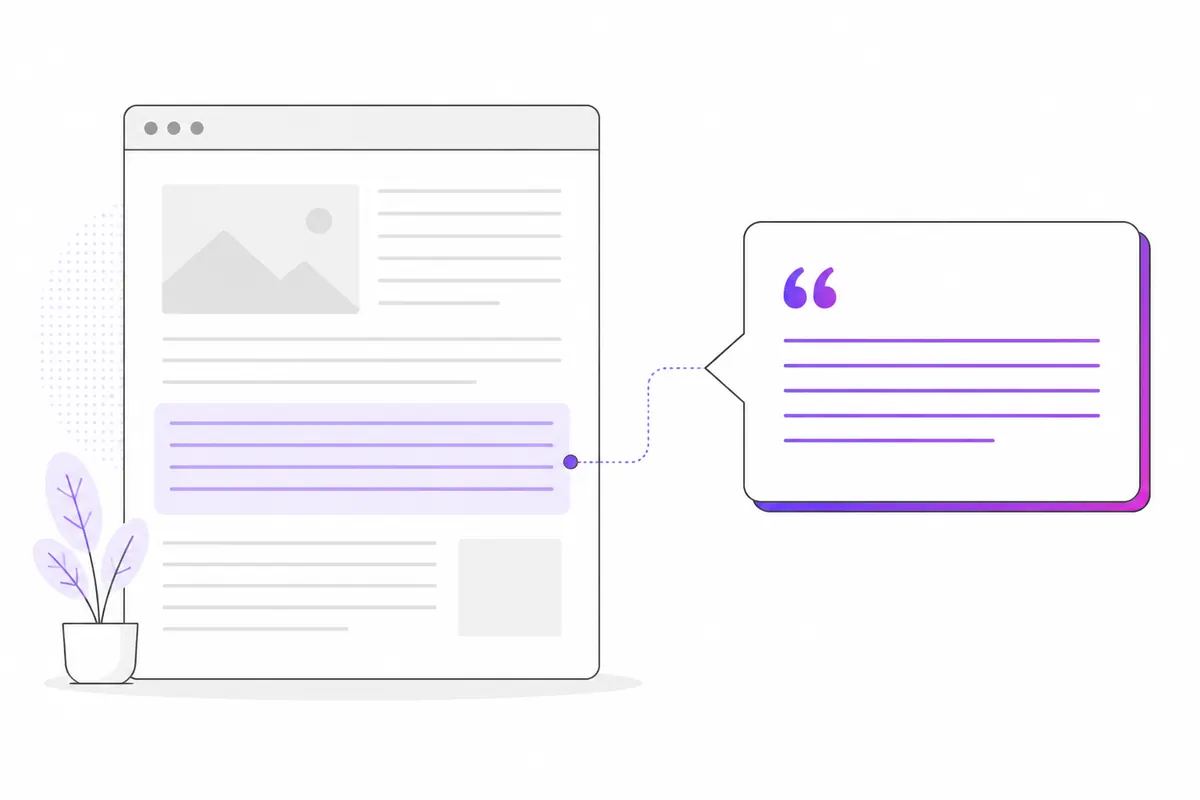
AI assistants such as ChatGPT, Perplexity and Claude quote pages that answer a question clearly, are easy to find through their search crawlers, and look trustworthy and current. You can’t force an assistant to cite you, and nobody can guarantee it. But you can remove the obstacles, and the same habits make pages better for people and for Google.
First, let the right crawlers in
An assistant can’t quote a page it can’t fetch. Each company uses different bots for different jobs:
- Search bots build the index the assistant searches:
OAI-SearchBot(ChatGPT search),PerplexityBotandClaude-SearchBot. - User bots fetch a page when someone asks about it:
ChatGPT-User,Perplexity-UserandClaude-User. - Training bots such as
GPTBotandClaudeBotcollect content for model training. Blocking them is a separate decision.
If you want to be quoted, make sure robots.txt doesn’t block the search bots. Many sites block AI crawlers wholesale and then wonder why they never appear. A sensible setup might be:
User-agent: OAI-SearchBot
Allow: /

User-agent: PerplexityBot
Allow: /

User-agent: Claude-SearchBot
Allow: /
Check your firewall or CDN too; some block AI bots by default. The guides on OpenAI’s three bots and blocking AI bots with robots.txt explain the differences in detail. Google’s AI features, such as AI Overviews, draw on Google’s normal search index, so ordinary Googlebot access and indexing matter there.
Answer first
Assistants pull short passages, not whole pages. Make the answer easy to lift:
- Put a direct answer in the first two or three sentences, before any background.
- Use the question’s own words where natural. If people ask “how long does a passport renewal take”, say “A passport renewal usually takes…”.
- Keep the answer self-contained, so it still makes sense when quoted on its own.
Compare these openings:
- Weak: “Passports have a long history, and many people wonder about timing…”
- Strong: “A standard adult passport renewal usually takes about three weeks, but allow longer in spring and summer.”
The second can be quoted as is. (Check the real figure for your country, of course.)
Use clear headings
Structure helps both search engines and AI systems find the right part of a page:
- One topic per page, with a descriptive H1.
##headings that read like questions or plain labels: “How much does it cost?”, “Who is eligible?”.- Short paragraphs, lists for steps, and tables for comparisons.
A page that rambles through five topics under vague headings is harder to quote than five focused sections.
Back up facts with sources
When you state a number, a rule or a date, say where it comes from and link to the original: the official documentation, the law, the study. This helps readers check you, and it makes your page a safer thing to quote.
Don’t invent statistics or round them up to sound impressive. If something is uncertain or disputed, say so plainly. Accuracy is the long-term asset here.
Keep it current
Assistants often answer questions where freshness matters: prices, product features, policies, “best of 2026” lists.
- Show a “last updated” date on the page, and only change it when you actually update the content.
- Review key pages on a schedule, especially anything with prices, versions or rules.
- Use
dateModifiedin your structured data so it matches the visible date. See the structured data guide.
Show who wrote it and why they know
Name the author or the team, and say briefly what qualifies them: “Written by our support lead, who handles these requests daily.” An about page and contact details help too. There’s no proof that any assistant uses a specific “expertise score”, so treat this as good practice for readers rather than a guaranteed signal.
Write in plain language
- Use short sentences and common words.
- Define jargon the first time you use it.
- Avoid filler intros, keyword stuffing and vague claims like “industry-leading”.
- Put the important noun in the sentence: “GPTBot respects robots.txt” beats “It respects it”.
Plain text survives being quoted out of context.
Check whether it’s working
You can’t see inside an assistant, but you can watch the signals around it:
- Crawler visits. Are OAI-SearchBot, PerplexityBot and Claude-SearchBot fetching your pages? Are user bots fetching specific pages, which suggests people are asking about them? A free OZMAICO account shows verified AI bot visits page by page.
- Referral traffic from chatgpt.com, perplexity.ai and claude.ai in your analytics.
- Manual checks. Ask the assistants your target questions and note who they cite.
Results vary by assistant, by question and over time, so look at trends rather than single answers.
A note on llms.txt
Some sites add an llms.txt file to point AI tools at key content. It’s a proposal, not a standard, and support is unclear. It does no harm, but it won’t replace the basics above. See the llms.txt guide.
In short
- Allow OAI-SearchBot, PerplexityBot and Claude-SearchBot in robots.txt and your firewall.
- Put a clear, self-contained answer at the top.
- Use descriptive headings, short paragraphs, lists and tables.
- Cite sources for facts; never invent numbers.
- Show real “last updated” dates and named authors.
- Write plainly.
- Accept that nobody can guarantee a citation; aim to be the clearest, most reliable page on the topic.
Check your own website
See which AI bots really visit your site — real or fake, page by page — and how many people AI assistants send you. Free.